In brief
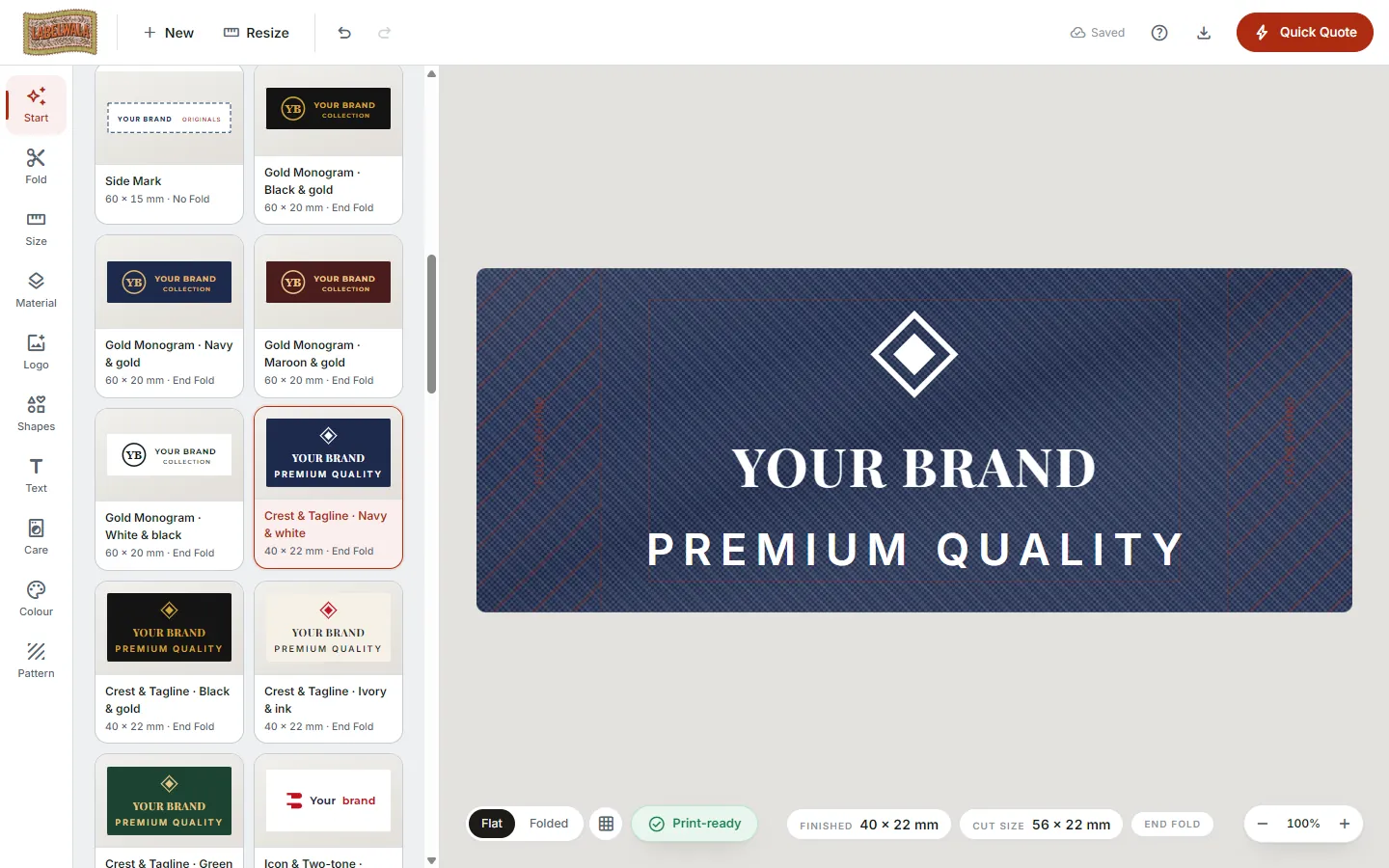
The Labelwala label designer has more than 300 free templates in eight families, each modelled on a label we have made, with placeholder text and an emblem your logo replaces in place. Pick the family by the label's job, pick the layout by the number of lines you need, keep the template's text sizes so the print check still passes, change the fold and size within the fold's limits, and match the care label to the brand label's ground colour before sending the pair for a quote.
A template in this designer is not a picture. It is a layout: a fold, a size, a material, a ground colour, one or two text lines at sizes a loom can hold, and an emblem that marks where a logo goes and how big it can be. Because every template was drawn from a real order in our portfolio, the proportions are ones that have already been woven or printed and sewn into a garment. Start from one and most of the decisions a first-time label buyer gets wrong (type too small, logo too close to the fold, a sixth thread colour) have been made correctly before you touch anything.
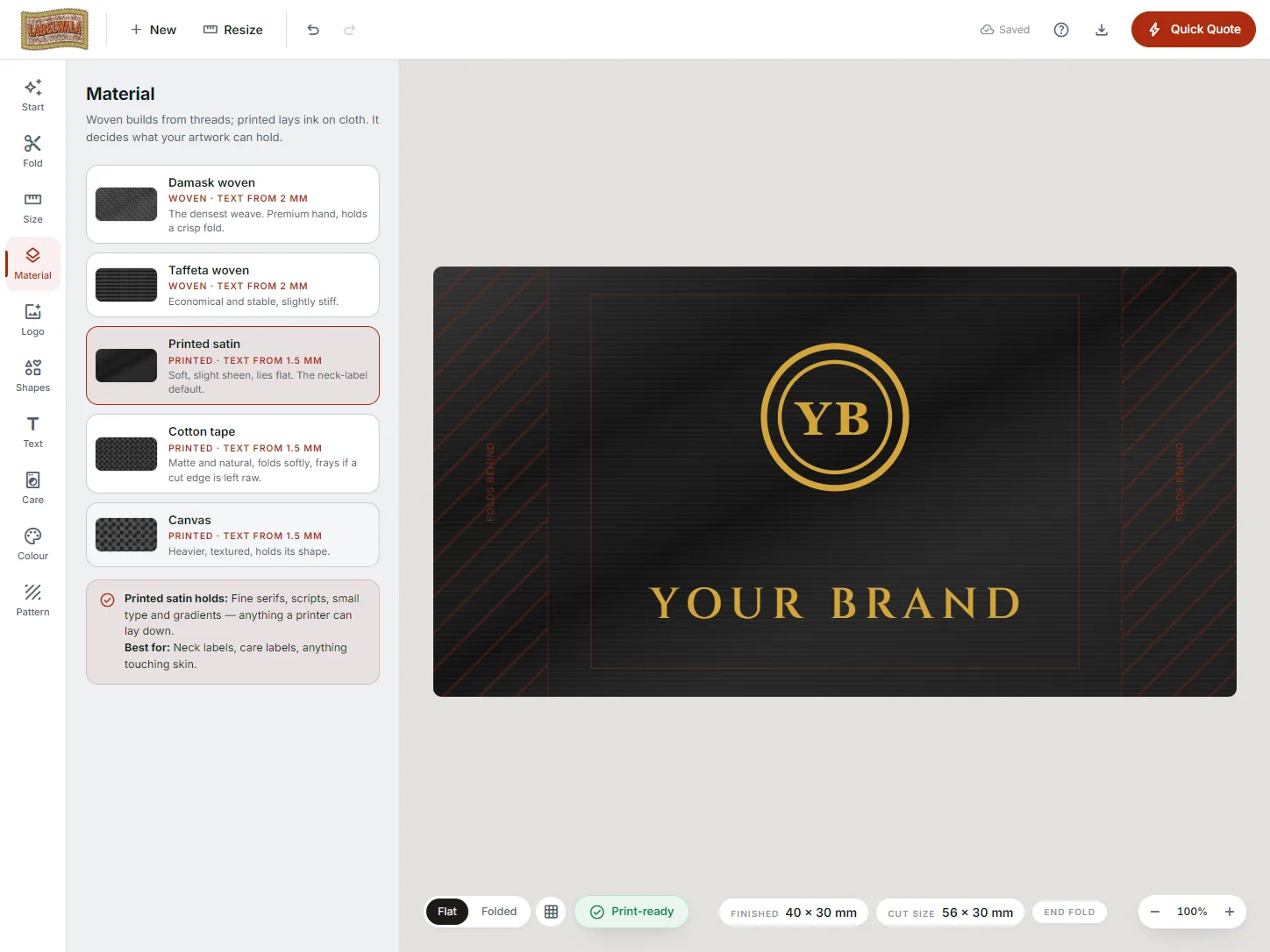
Our walkthrough of the designer covers the whole tool, step by step. This article is only about the templates: how they are organised, how to pick one, what to change, and how to keep it passing the print check on the way to a quote. The designer is at labelwala.store/online-free-clothing-label-design-tool; it is free, with no signup.
The eight families and what each is for
| Family | What is in it | Usual fold and material | Use it for |
|---|---|---|---|
| Brand labels | Monogram, crest, two-tone wordmark, centre-fold classic, hem loop, tailor emblem | End fold or centre fold, woven damask | The neck label and the hem tag |
| Printed satin | D2C contact labels, luxury serif, boutique copper, athletic marks, contact cards | End fold or loop, printed satin | Labels with small type: handles, websites, taglines |
| Size and number | Size and age tabs, number boxes, size in centimetres, waist and length | Centre fold or no fold, woven or satin | Size tabs and numbered labels |
| Care labels | Classic white, black and navy satin, pink taffeta, brand-front care-back, with declarations | Loop or end fold, printed satin | Wash-care and composition labels |
| Uniform | Name and number, shield tabs, school crests, house tabs, class and roll, sports kits | No fold or end fold, woven or satin | Schools, teams, hospitals, hotels |
| Ethnic and bilingual | Latin plus Devanagari, Hindi and Gujarati wordmarks, pure-silk tags, zari frames, bandhani | End fold, woven damask | Boutiques, saree and kurta brands |
| Patches | Chevron frames, cubes, topographic, round badges, club crests, varsity letters | No fold, laser-cut round or free shape, woven or canvas | Chest and sleeve patches, badges |
| Kids and street | Two-colour wordmarks, stripes, gold crests, rounded kids marks, skate badges | End fold or centre fold, woven | Kidswear, streetwear, hoodies |
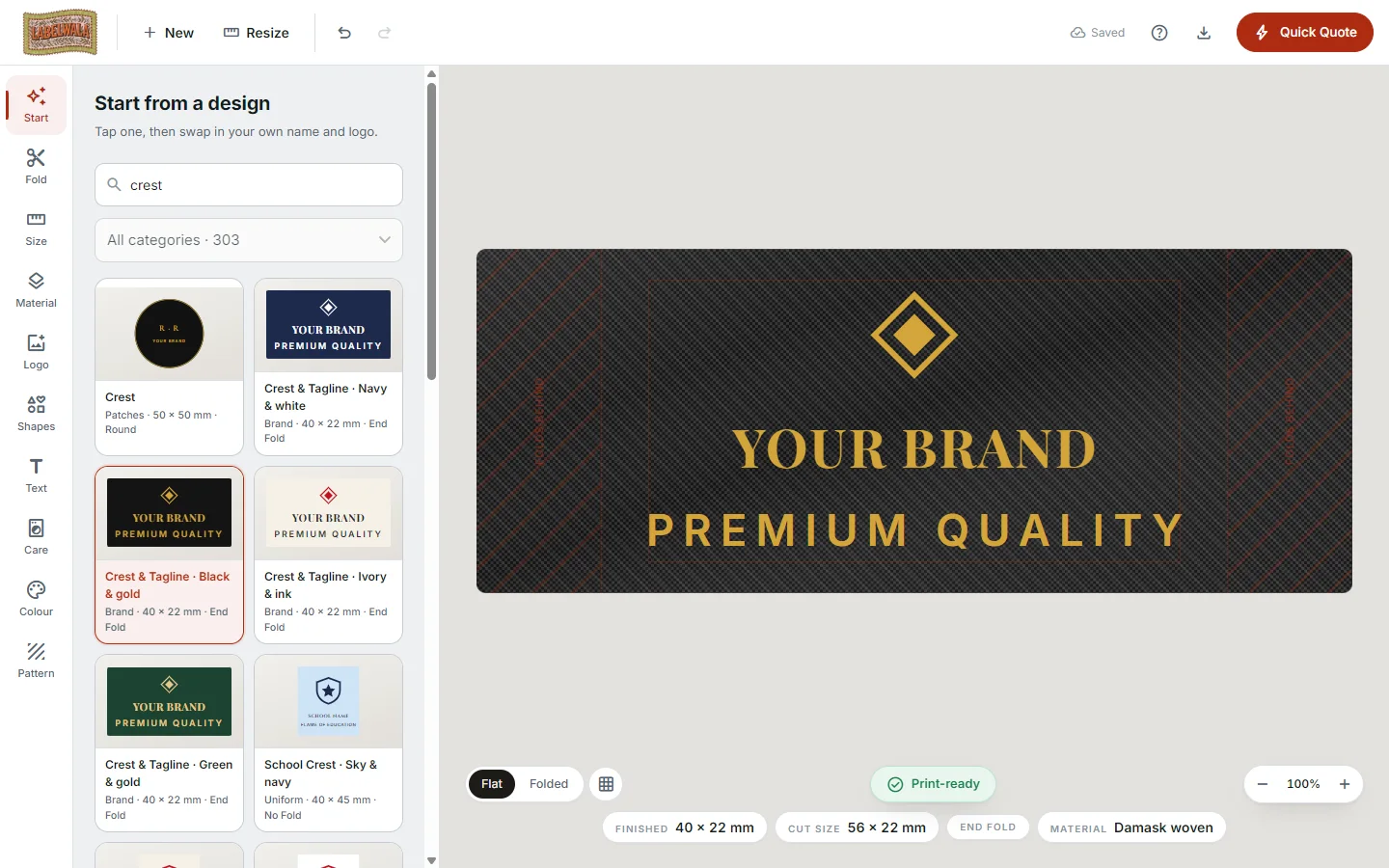
Each family has at least 30 designs. Many are the same layout in several colourways, because the colourway is usually the decision a brand is making: the same two-tone wordmark on black, navy, cream and bottle green is four templates, and choosing between them is faster than recolouring one. The start panel has a search box that spans every family and a category dropdown for browsing one at a time; typing "crest", "hem loop" or "care" is quicker than scrolling.
Choosing a template in three questions
The 300 narrow to a handful fast if you ask the questions in the right order.
- What job does the label do? That picks the family. A neck label is a brand template; a label that must carry a website and an Instagram handle is a printed satin template, because the small type needs print; a label with symbols is a care template. If one label has to do two jobs, the brand-front care-back layouts in the care family put the brand on the front face of a centre fold and the care on the back.
- How many lines of text? That picks the layout. A wordmark alone suits the single-line layouts; a wordmark with a city or a tagline needs a two-line one; a crest with a motto needs the emblem-plus-two-lines layouts. Do not pick a three-line layout and delete two lines; the remaining line will sit off-centre and the emblem will be sized for a label that had more in it.
- Which ground colour? That picks the colourway. Match it to the garment, not to your website: black and charcoal on streetwear, cream and ivory on ethnic wear and linen, navy on uniforms, white on care labels. Our guide to satin label colours covers what reads on what.
Then open two or three and look at them at true size. The canvas is in millimetres, and the first thing a template teaches is how little fits on a 45 x 15 mm label.
Your logo replaces the emblem
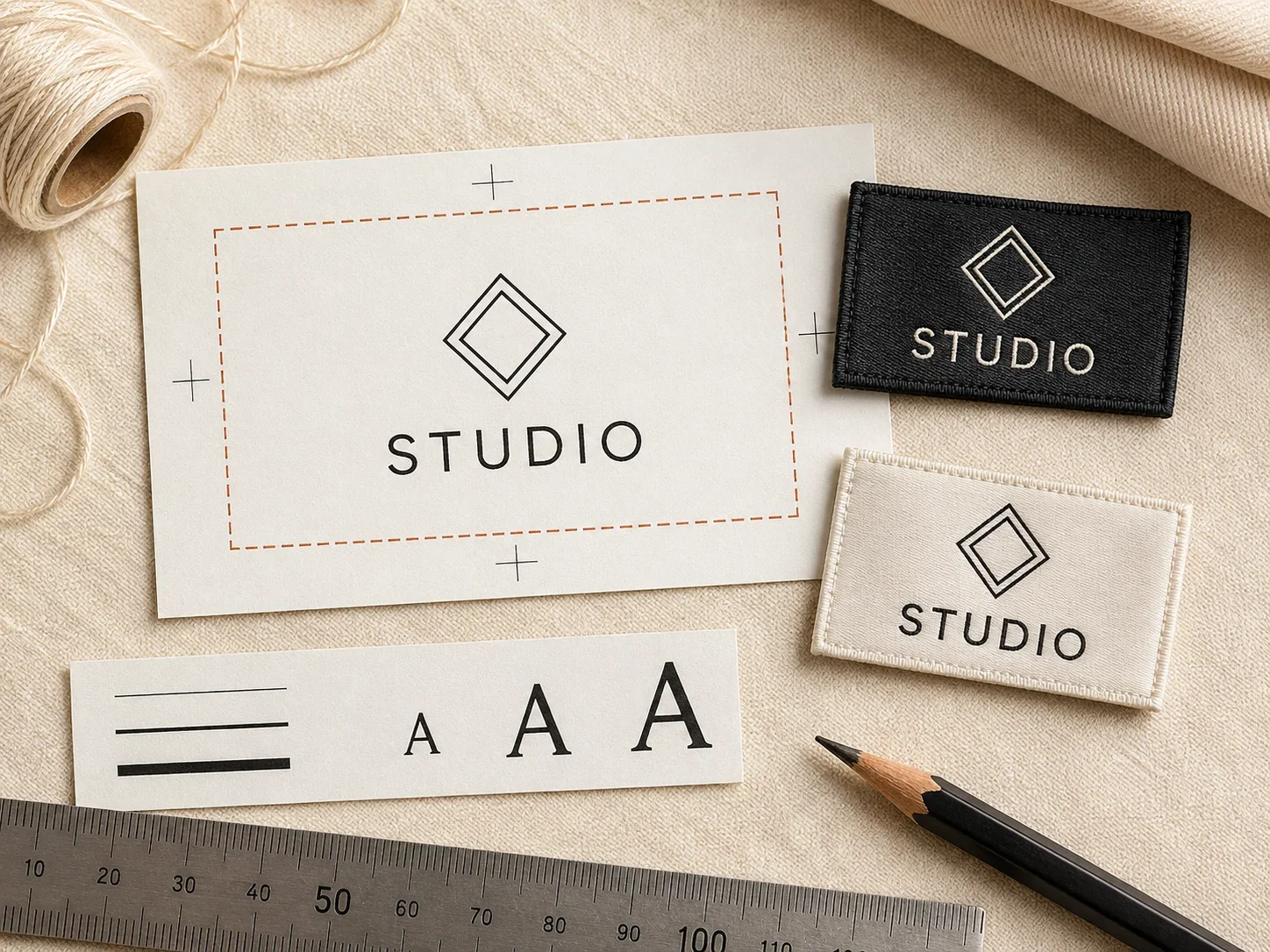
The emblem in a template is a placeholder: a generic crest, monogram or mark that shows where a logo goes and how large it can be on that layout. Upload your own logo (PNG, JPG, WebP or SVG, up to two images) and it drops into the emblem's exact spot at the emblem's size. Nothing else moves.
- Vector is best. An SVG scales to any label size without softening. A PNG or JPG is checked against the printed size and flagged if it is too low in resolution for the material.
- The designer pulls a palette out of the logo. Pick the ground and the text colours from that palette and the label matches the logo without guessing hex codes.
- Simplify before you upload. A woven label is made of threads, and each colour is one thread. A logo with a gradient or more than five colours is flagged by the print check; a one- or two-colour version of your mark weaves cleanest. Our woven label design rules explain why.
- Keep the emblem's size. It was set for that layout on that label size. If your logo is a wide wordmark and the emblem spot is square, pick a wordmark template rather than stretching the logo into a square one.
What to change, and what to leave
A template is designed to survive the changes people make most. It is also designed to warn you when a change crosses a production limit.
| Change | Safe? | What to watch |
|---|---|---|
| Replace the text | Yes | Keep the line length similar; a much longer line shrinks the type below the floor |
| Replace the emblem with your logo | Yes | Colour count and resolution are checked |
| Change the colourway | Yes | Contrast is checked on cotton and canvas; tone-on-tone is flagged |
| Change the font | Mostly | Fine serifs and scripts are flagged on taffeta; stay with the template's weight on woven |
| Change the size | Within the fold's limits | Text that drops below 2.8 mm (woven) or 2.1 mm (printed) is flagged |
| Change the fold | Yes | The canvas redraws as that fold's flat piece; check nothing sits on a hatched area |
| Change the material | Yes | The type floor changes with it; damask to taffeta raises it |
| Add a line of text | Carefully | Pick a layout that already has that many lines instead |
| Shrink the type to fit more | No | This is the change the print check exists for |
Every template ships with its text at or above the floor for its material, so if you leave the sizes alone it passes. The floors are the sizes at which the holes in 8, 6, 0 and R stay open after washing: about 2.8 mm on woven damask and taffeta, about 2.1 mm on printed satin, cotton and canvas. The temptation in every template is to fit one more word by making the type smaller; the right move is to pick the layout with the extra line, or to go up a label size.
Try it on a real template. Open the designer, search "two-tone wordmark", upload your logo and change the fold from end fold to centre fold. The canvas redraws as the flat piece and the artwork stays where it was.
Building a matching set from two families
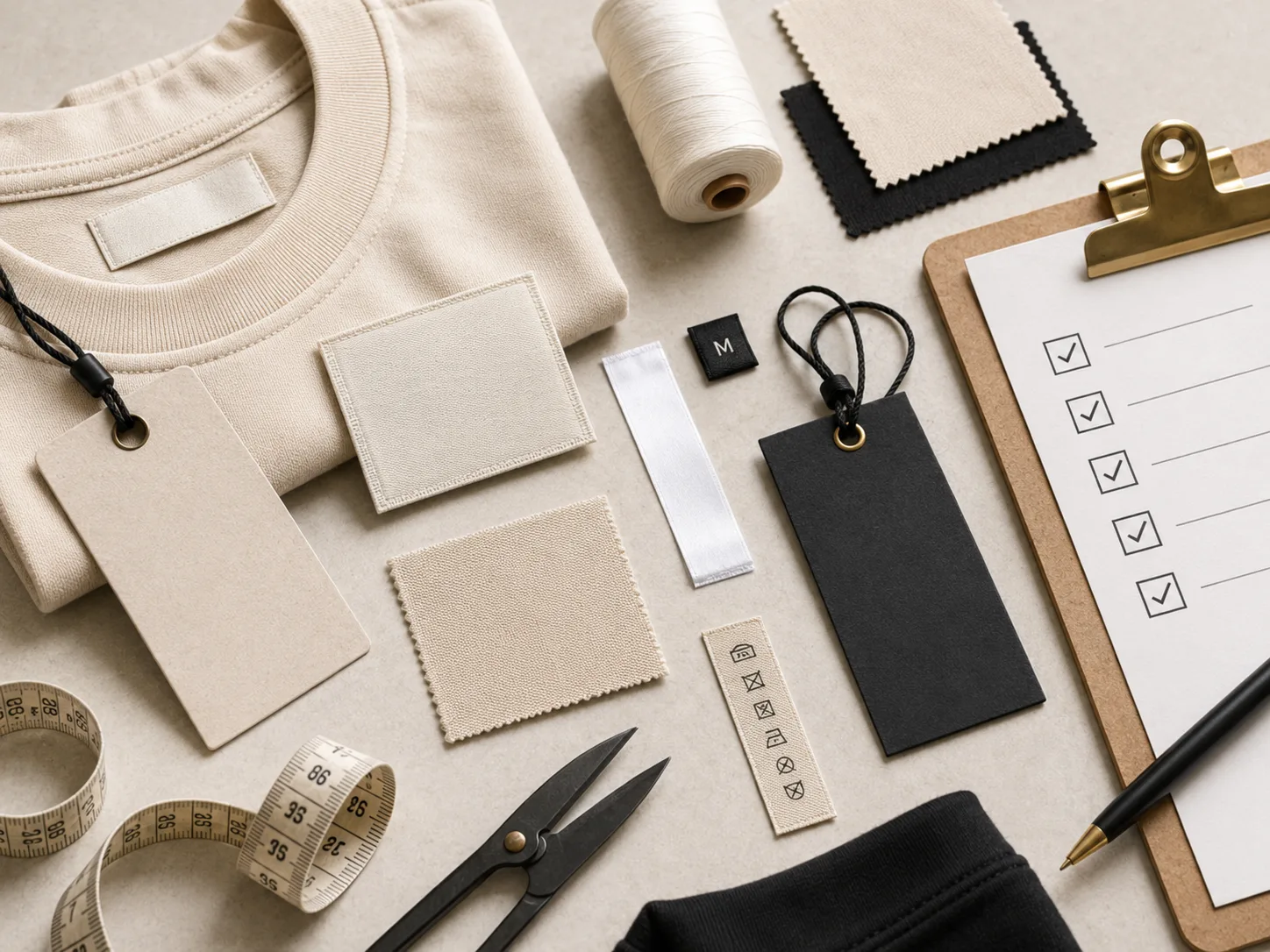
A garment usually carries two or three labels, and the set reads as one brand only if they share a ground colour, a type family and a material finish. The templates make that easy if you build the set in order:
- Brand label first, from the brand family: fold, size, ground, logo.
- Care label second, from the care family, in the same ground colour: white care labels on a black-labelled garment are normal, but a black satin care label beside a black damask brand label looks like one supplier, which is the point.
- Size tab third, from the size family, in the brand label's ground and thread colours, centre folded so it tucks under the neck label.
- Hem loop or patch last, if the garment wants one, from the brand or patch family, in the same threads.
Each template becomes its own design, and the minimum of 1,000 pieces applies to each, so a first order is usually a custom brand label and stock size and care labels, with the set completed on the second order. Our labels and tags checklist explains the full set and the low-MOQ guide how to sequence it.
Templates by garment: a quick map
| Garment or brand | Start from | Then add |
|---|---|---|
| T-shirts, D2C basics | Brand: two-tone wordmark, end fold, 45 x 15 mm damask | Printed satin contact label, size tab |
| Hoodies, streetwear | Kids and street: two-colour wordmark, 60 x 25 mm; brand: hem loop | Care label, side-seam satin |
| Kurtas, sarees, boutique | Ethnic: Latin plus Devanagari or zari frame, end fold, cream damask | Pure-silk tag, care label with declarations |
| Kidswear | Kids and street: rounded kids mark; size: age tab | Laser-cut free shape mascot patch |
| School uniforms | Uniform: school crest, no fold; house tab | Name and number, class and roll |
| Hotel and hospital uniforms | Uniform: name and number, shield tab | Care label for industrial laundry |
| Sports teams, clubs | Patches: club crest, round badge; uniform: sports kit number | Size tab |
| Denim | Patches: chevron frame or varsity letters, canvas | Brand label, care label |
From template to quote
When the label looks right, the print check panel is the last stop. It lists anything the loom or printer cannot reproduce as designed: a text line below the floor, artwork on a fold line or inside the 2 mm edge margin, a low-resolution logo, more than five colours. Each warning has a one-tap fix. A template that has only had its text and logo changed usually shows none.
Quick Quote then opens the same form as our quote page with the label attached at print resolution and a one-page spec sheet: fold, finished and cut sizes, material, colours and fonts. That sheet is what we set the loom from. We reply on WhatsApp with a per-piece price within 2 hours on a working day, confirm thread colours and placement, and share a sample preview before anything is woven. Production is 7-10 days after approval.
Labels designed from a template, made at Labelwala
We make woven, printed, satin and cotton labels and patches in Ahmedabad, Gujarat, and we have been doing it for 25 years. The templates are drawn from that production, which is why a label designed from one comes back from the factory looking like the design.
- Minimum order: 1,000 pieces per design.
- Quotes: we usually reply within 2 hours on a working day.
- Production: 7-10 days once artwork is approved. Rush jobs run 3-5 days.
- Care symbols: set to ISO 3758 on every care label we print.
- Delivery: across India and worldwide.
If no template fits, send us a photo of your garment or an old label on WhatsApp and we will suggest the family, fold and size, or design it with you. We are rated 5.0 on Google from 27 reviews.
Common mistakes with templates
- Picking a three-line layout and deleting two lines.
- Shrinking the type to fit a longer brand name instead of choosing a wider label.
- Stretching a wide wordmark into a square emblem spot.
- Uploading a gradient logo to a woven template.
- Choosing the ground colour to match the website rather than the garment.
- A brand label from one colourway and a care label from another.
- Changing from damask to taffeta and ignoring the new type floor.
- Moving the emblem onto a hatched fold-under area after changing the fold.
- Treating the template as finished without opening the print check.
- Designing on a phone screen at zoom and never looking at the label at true size.
Checklist before Quick Quote
- Family chosen by the label's job, layout by the number of lines?
- Ground colour chosen for the garment it goes on?
- Logo uploaded as vector or a checked-resolution PNG, in two colours or fewer on woven?
- Template's text sizes kept, or the label made bigger rather than the type smaller?
- Fold and size set for the garment, with nothing on a hatched area?
- Material chosen, and the print check re-read after changing it?
- Care label and size tab in the same ground and threads as the brand label?
- Print check showing no warnings?
- PNG and spec sheet downloaded as your own copy?
- Garment type and quantity ready for the quote form?
What we would recommend
Start from the family that matches the label's job and the layout that matches your line count, in the colourway that matches the garment. Replace the text and the emblem, keep the sizes, and build the care label and size tab from the same ground colour so the set matches. If the brand name does not fit, go up a label size, not down a type size. Run the print check, download your copy, and send the set for a quote.
A template used that way is a label that has already been made once, with your name on it.