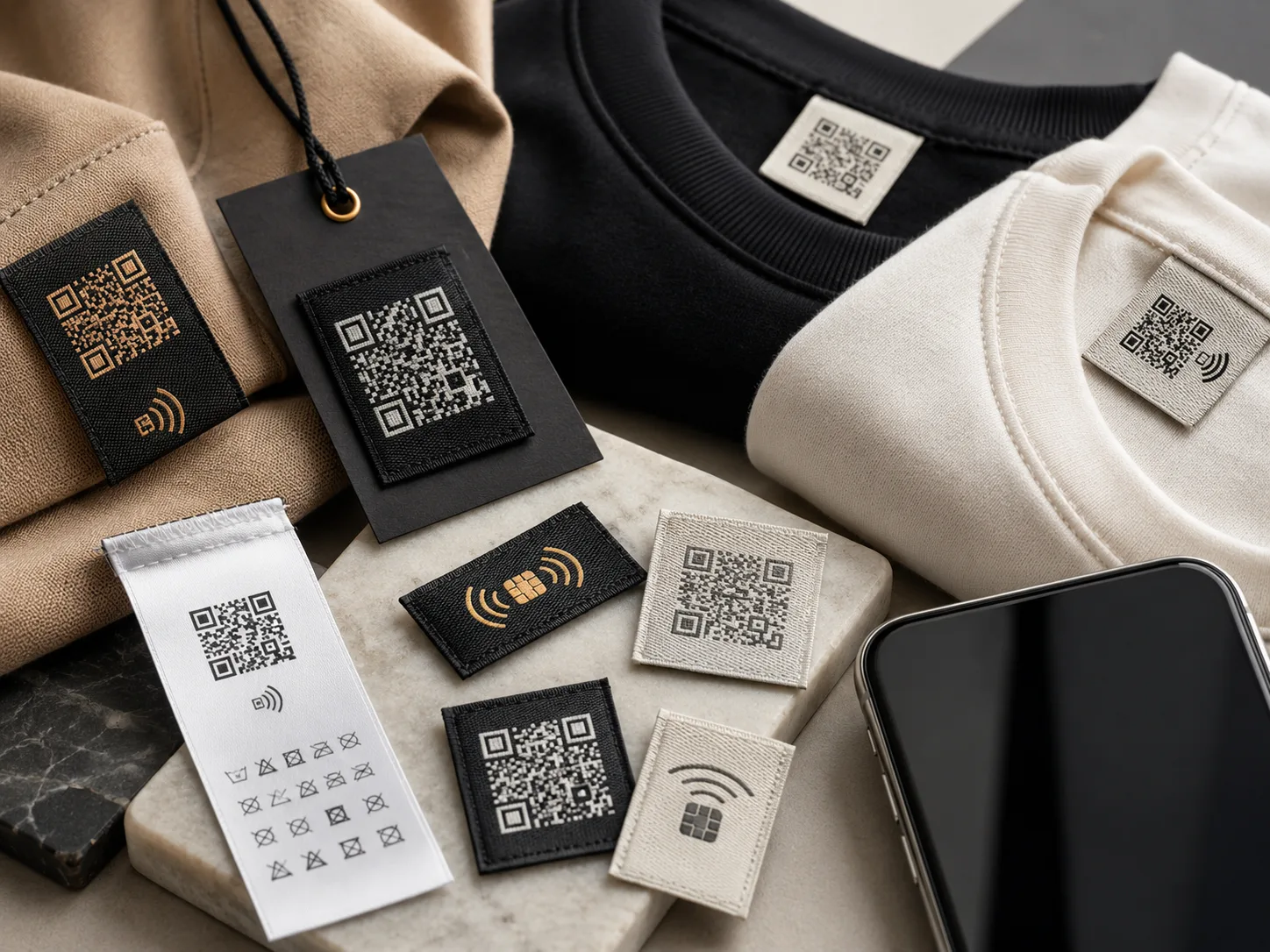
In brief
A QR code can be woven or printed onto a label and scanned by any phone at near-zero cost, while an NFC chip sits behind the label and opens a page with a tap but adds a per-piece chip cost. Printed QR on taffeta or satin scans most reliably, and the link should point at a stable address you control.
For decades a clothing label did one thing: tell you the brand and how to wash it. In 2026 it does more, it connects the garment to the internet. A woven or printed QR code, or a tiny NFC chip behind the label, turns a passive tag into a tap-to-open doorway to your brand.
Brands are using these "smart labels" for authentication, storytelling, care info, warranty and even re-orders. This guide explains how QR and NFC labels work, what they cost, where they're worth it, and how to add one to your next order.
Why do smart labels matter in 2026?
The shift is driven by three things: phones now scan QR and read NFC natively, shoppers expect a digital layer, and sustainability rules are pushing toward scannable "digital product passports." A label is the cheapest, most natural place to put that link.
How do QR and NFC labels differ?
- Woven or printed onto the label
- Scanned with any phone camera
- Near-zero added cost
- Dynamic, change the destination later
- Visible part of the design
- Tiny chip behind/inside the label
- Tap phone: no scanning, no app
- Adds a per-piece chip cost
- Best for premium & authentication
- Invisible, keeps the label clean
Rule of thumb: QR for reach and low cost; NFC for premium feel and anti-counterfeit. Many brands use QR across the range and reserve NFC for hero or high-value pieces.
What can you put behind a scan?
- Authentication: a unique code per garment proves it's genuine
- Care & content: full wash info and fibre detail without a long fabric label
- Brand story / film: the maker, the materials, the why
- Re-order & refill: straight to the product page for a repeat purchase
- Warranty & registration: capture the customer, offer after-sales
- Loyalty & community: sign-ups, discounts, styling content
- Digital product passport: origin, materials and recycling info for sustainability
Because the link is dynamic, you can change what the scan opens long after the garment has shipped: a sale page today, a care guide tomorrow.
Can a QR code be woven?
Yes, but it needs the right construction. A QR is just a high-contrast grid, and weaving has a minimum resolution, so a woven QR must be made larger with strong black-on-white contrast to scan reliably. The more dependable routes are:
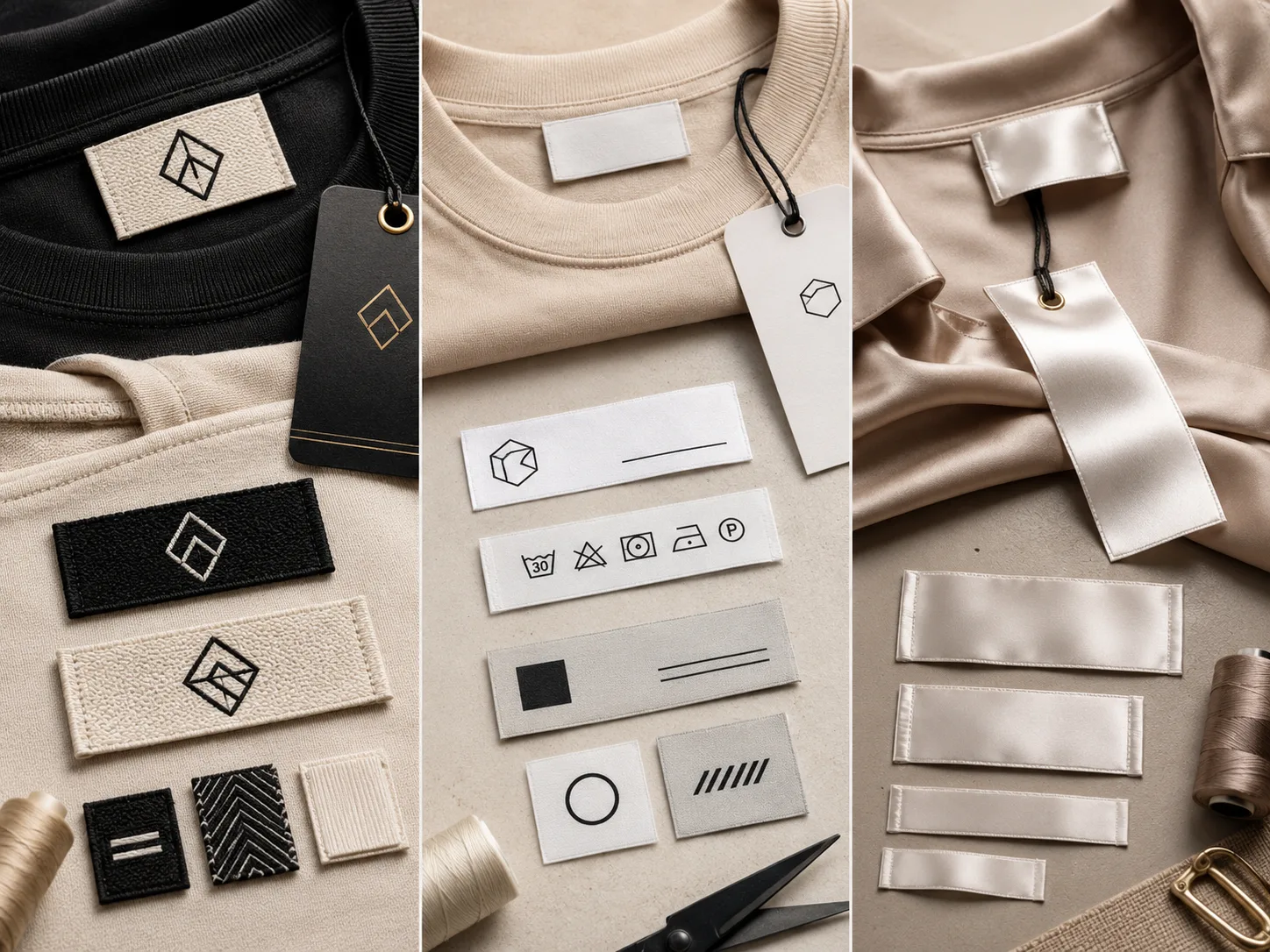
- Printed QR on taffeta/satin: sharpest and most reliable scan, paired with a woven brand label
- Woven QR at larger size: possible for a textured, premium look when designed carefully
- NFC behind a woven label: keeps the woven look and adds tap-to-open invisibly
Always test the scan before bulk. A QR that looks fine on screen can fail when woven or printed too small. We sample and scan-test every smart label before a production run.
What do smart labels cost?
- Printed QR adds ~nothing over base label
- Works on the satin/taffeta you already use
- Software/landing page is a small separate cost
- Per-piece chip + encoding cost
- Justified on premium & export pieces
- Serialised chips enable authentication
For most brands, the smart move is to add a QR to existing labels at near-zero cost, then trial NFC on a premium capsule. Want a quote on a smart-label run? Use our quick quote.
How to add a smart label to your order
Pick what the scan opens (authentication, story, care or re-order), and set up a dynamic link.
QR for reach and low cost; NFC for premium tap-to-open and anti-counterfeit.
Printed taffeta/satin for a sharp QR, or a woven label with NFC behind it.
Approve a physical sample that scans reliably before committing to bulk.
Pro tips
Start with QR, earn your way to NFC. Add a QR to your existing care or brand label first. Once scans prove customers engage, add NFC to your premium line where authentication pays for itself.
Quick start: tell us your garment type and what you want the scan to do. We'll recommend QR vs NFC, the right label base, and quote a sampled, scan-tested run. Message Labelwala or use the quote form.
Decide what the code is for first
Most disappointing smart labels are not badly made. They are made without anyone deciding what the scan is meant to achieve, so the code lands on a page that does not reward the effort of scanning it.
The uses that hold up over a garment's life are the ones tied to the product rather than to a moment: care and washing guidance in more detail than a label can hold, composition and origin information, registration or authentication, and resale support. The uses that fade are campaign-specific: launch pages, competitions and one-off promotions, which stop working long before the garment does.
Neither is wrong, but they belong in different places. Product-life uses justify a code in the garment. Campaign uses belong on the hang tag, where the code is larger, cheaper and leaves with the customer.
Settle that question before the artwork is drawn, because it decides the placement, the substrate and the size, and all three are hard to change once the run is made.
Where does a smart label belong on a garment?
A code has requirements a normal label does not, and placement is where most of them bite.
- On a flat face, never across a fold. A crease presents half the code at an angle, and scanners struggle with that even when everything else is right.
- Somewhere a phone can reach. A code buried in a side seam or under a waistband is technically present and practically unusable.
- Away from heavy abrasion. A code that has rubbed for a season has lost the crisp module edges a camera needs.
- On the hang tag as well, if it matters. A tag gives you a large flat surface, high contrast and no wash exposure, which is why campaign codes usually belong there rather than in the garment.
That last point is worth taking seriously. If the code is for a launch, a competition or a campaign, the hang tag is the right home: it is bigger, cheaper, easier to scan, and it leaves with the customer at purchase rather than living in the garment for years pointing at something that has closed.
Put a code in the garment when it needs to be there for the product's life, for authentication, care information or resale, and accept that it then has to survive washing and stay pointed at something real.
What does a scanner actually need to read a code?
A smart label only works if the code resolves, and the requirements are physical rather than digital.
- Contrast. Dark modules on a light ground. Reversed codes and low-contrast colour pairs are the commonest design-led failure.
- Size. Every code has a minimum module size below which a camera cannot resolve it. Shrinking a code to fit a narrow label is the fastest way to make it unscannable.
- The quiet zone. A clear margin all the way round, kept free of artwork. Crowding it defeats the scan even when the code itself is perfect.
- A flat surface. A code across a fold reads at an angle on one half, which is why it belongs on a face rather than a crease.
This is also why smart labels are usually printed rather than woven. A weave builds the code from threads, so its smallest module is a few threads across, and the code has to grow physically to stay readable. Print holds the fine, high-contrast squares a scanner wants at a size that fits a label.
Test by scanning the physical sample, in ordinary light, at the distance a customer would hold it. Scanning the artwork on a screen proves nothing at all.
The link outlives the campaign, or it should
The risk most brands miss is not the label, it is the destination. A garment lasts years; a URL frequently does not.
A code printed with a campaign address becomes a dead end the moment that campaign closes, and unlike a website you cannot edit the label. It is in the garment, in the customer's wardrobe, pointing at nothing.
- Point at a stable address you control, and manage the redirect behind it so the destination can change while the label stays valid.
- Avoid third-party shorteners for anything permanent. If that service disappears, every garment you ever made loses its link at once.
- Decide who owns the address before you print. A code pointing at an agency or platform account is a dependency you may not want.
- Keep the landing page useful without the campaign. Care information and product details age far better than a launch page.
The same logic applies to NFC. The chip stores a pointer, so what it points at is the part that needs to survive.
Common mistakes
- Shrinking a code to fit the label instead of sizing the label around the code.
- Running artwork into the quiet zone.
- Reversing a code out of a dark ground, which many scanners will not read.
- Placing it across a fold.
- Weaving a code that would have printed reliably at half the size.
- Testing on artwork rather than on a washed physical sample.
- Printing a campaign URL with no redirect behind it.
Adding a smart label at Labelwala
We make woven and printed labels in Ahmedabad, Gujarat, and we have been doing it for 25 years.
- Minimum order: 1,000 pieces, counted per design rather than per order.
- Quotes: normally back inside 2 hours if you send the brief on a working day.
- Production: 7-10 days from artwork approval, or 3-5 days on a rush job.
Send the destination address and the finished label size together. The code has a minimum readable size, and it is the label that has to accommodate it rather than the other way round.
We are rated 5.0 on Google from 27 reviews.
The short answer
Smart labels turn your garment tag into a digital touchpoint. QR codes are cheap, universal and best added to your existing printed labels: ideal for storytelling, care info and re-orders. NFC chips cost more per piece but enable tap-to-open and per-garment authentication, making them a strong fit for premium and export products. The pragmatic path for 2026: add a QR now at near-zero cost, then trial NFC on your hero pieces.